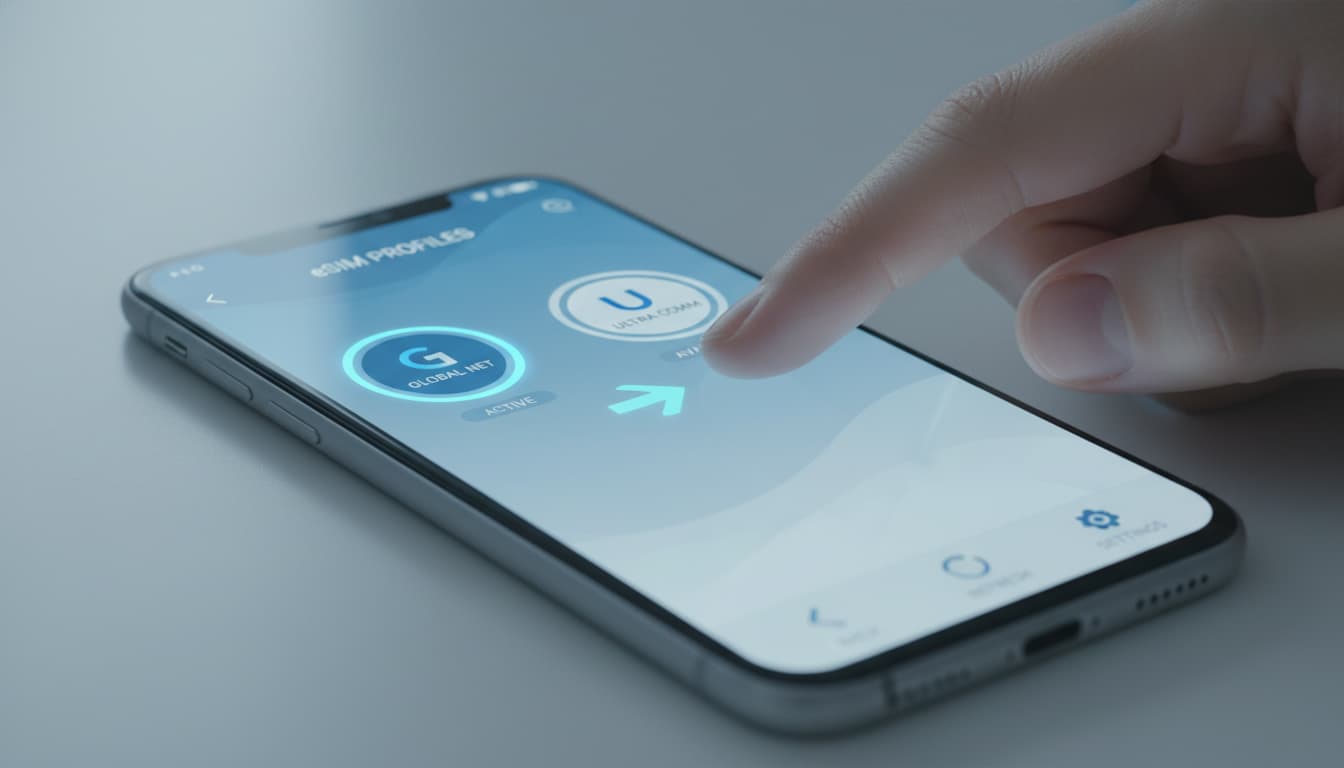

In short, what you will discover in this article: how to change esim operator easily, the precise steps to transfer your number, activation methods, as well as precautions to avoid any service interruption. You will also learn about expected costs and how to manage security after the switch.
1. Introduction — Why Change Your Operator with an eSIM?
Changing your mobile operator with an eSIM offers great flexibility without handling a physical SIM card. This technology simplifies porting your number and activating your new plan. Moreover, it avoids the constraints of receiving a traditional SIM card, which is ideal for travelers or users wanting to quickly benefit from the best offers.
2. Preliminary Checks Before Starting
2.1 Compatibility of Your Device and OS Version
Before changing the eSIM, make sure your smartphone supports eSIM technology and that its operating system is up to date. For example, recent iPhones and some Android models fully support eSIM. For more information, check out our guide on operator eSIM compatibility.
2.2 Operator Lock and Contractual Conditions
Verify that your phone is not locked to a specific operator. If it is, you will need to request an unlock before you can activate an eSIM with a different operator. Also, check the terms for eSIM operator cancellation, including any deadlines and fees.
2.3 Backups and Precautions (contacts, data, eSIM backup if possible)
It's recommended to back up your contacts and important data before any operation. Some eSIMs can be backed up via apps or cloud storage, which helps restore them if needed.
3. Different Methods to Change Operator with an eSIM
3.1 Portability (Keep Your Number) — General Procedure
Portability lets you transfer your current number to the new operator. The typical procedure includes:
- Obtaining the RIO number from your current operator.
- Ordering an eSIM from the new operator by providing the RIO.
- Receiving an activation QR code or activation code.
- Activating the new eSIM on your smartphone.
This process usually takes between 1 and 3 business days depending on the operators.
3.2 Changing Without Portability (New Number) — General Procedure
If you prefer a new number, simply order a new eSIM without providing the RIO. Activation is often faster, but you lose your old number.
3.3 Activation via QR Code vs Operator App vs Activation Code
Activation can be done in several ways:
- QR code: the most common, scan it with your smartphone to install the eSIM profile.
- Operator app: some operators offer direct activation through their app.
- Activation code: manually enter a provided code.
Each method has its advantages depending on the operator and phone model.
4. Step-by-Step Tutorial (Concrete Examples)
4.1 Step 1 — Order the eSIM from the New Operator
Contact customer service or visit the website of your new operator to order an eSIM. Provide the necessary information, including the RIO number if you want to keep your number.
4.2 Step 2 — Receive and Scan the QR / Download the Profile
You will receive a QR code by email or via your customer account. On your smartphone, go to mobile network settings, choose "Add Mobile Plan", then scan the QR code.
4.3 Step 3 — Set the eSIM as Default for Calls/Data/SMS
After installation, set the new eSIM as the primary line for calls, SMS, and data. This step is crucial to avoid confusion between old and new profiles.
4.4 Step 4 — Test and Verify (Calls, SMS, Data, MMS, APN)
Perform a full test: make a call, send an SMS, browse the internet. Also verify the APN settings if necessary to ensure proper service connection.
5. Special Cases and Solutions (Advanced FAQ)
5.1 Transfer Between Devices (iPhone ↔ Android) and Limitations
Direct eSIM transfer between an iPhone and an Android is generally not possible. You need to order a new eSIM from the operator and activate it on the new device.
5.2 Multi-Profile eSIM and Priority Management
Modern smartphones can manage multiple eSIM profiles. You can keep several plans and choose which one to use by default. Priority management is done in the network settings.
5.3 Common Issues and How to Solve Them (Activation Errors, No Network, APN)
- Activation error: check the validity of the QR code and device compatibility.
- No network: restart the phone, verify network selection and APN settings.
- Incorrect APN configuration: consult the operator’s website for correct settings.
6. Impact on Roaming and Travel Tips
Changing operators with an eSIM can affect your roaming options. Some plans offer specific benefits abroad. Be sure to check coverage and roaming rates before confirming your change.
7. Security and Best Practices After the Switch
After changing operators, deactivate the previous operator’s eSIM to avoid confusion or security risks. Keep your activation codes safe and never share your QR codes. Using a VPN is recommended to secure your mobile connections, especially while roaming.
8. Durations, Costs, and Points of Attention (What to Expect from Customer Service)
The time to change the eSIM card varies between 1 and 3 business days. Some operators charge for eSIM activation or conversion, usually around 10 euros. Don’t hesitate to contact customer service to clarify these points before starting the process.
9. Quick Operator Comparison
| Operator | Activation Time | eSIM Cost | Portability Included | Activation Method |
|---|---|---|---|---|
| Orange | 1-2 days | Free | Yes | QR code / App |
| SFR | 1-3 days | €10 | Yes | QR code / Customer Portal |
| Bouygues Telecom | 1-2 days | Free | Yes | QR code / Bluetooth Transfer |
| Free Mobile | 1 day | Free | Yes | QR code |
This table summarizes key info to help you choose the operator that suits your needs.
10. Conclusion — Final Checklist and Useful Resources
To successfully change esim operator without stress, remember to:
- Check device compatibility.
- Obtain your RIO number for portability.
- Order your eSIM from the new operator.
- Activate the eSIM via QR code or app.
- Test the connection and deactivate the old eSIM.
To dive deeper, read our full article on how to install an eSIM and discover how dual SIM eSIM works. You can also consult the detailed guide by MyBestSim on changing eSIM operators for a complete and updated procedure.
Finally, to secure your mobile connection, consider using an eSIM-compatible VPN available from top partner providers.
Discover our recommended eSIM offers for hassle-free travel and stay securely connected with Skyda.co.