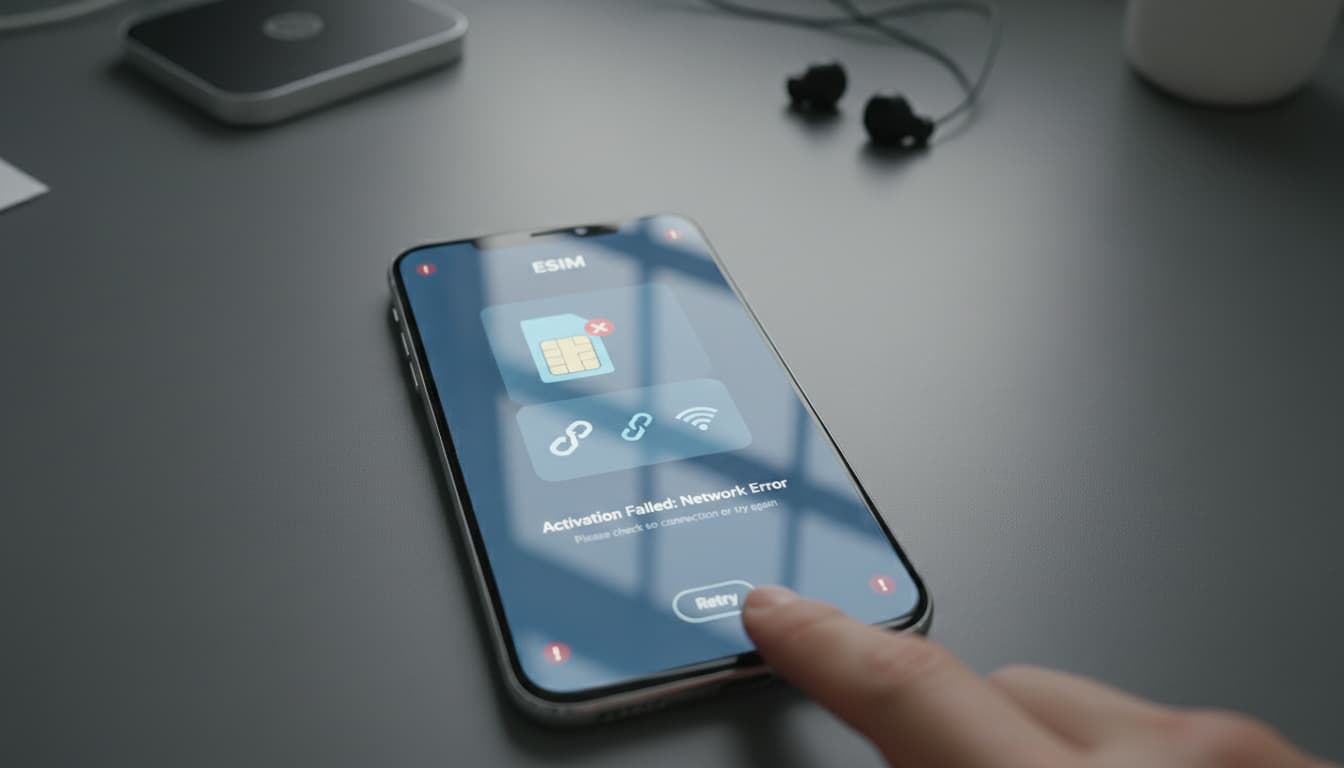

In short, what you will discover in this article: common causes of eSIM activation issues, quick checks to perform, clear troubleshooting steps, and tailored advice depending on your device. You will learn how to easily fix common errors and when to contact technical support.
1. Introduction — why eSIM activation issues occur
Activating an eSIM can sometimes encounter unexpected obstacles. These difficulties often stem from failed eSIM configurations, errors during eSIM activation, or incompatibilities between the device and the eSIM profile. Understanding these causes will help you better target solutions to the eSIM activation problem and avoid the frustration of an unusable phone.
2. Preliminary checks (quick)
2.1 Verify device and firmware compatibility
Before any action, make sure device compatibility with the eSIM is confirmed. Some older models do not support this technology or require a software update for eSIM activation. A simple check in the settings or on the manufacturer’s website can save you a lot of trouble.
2.2 Check carrier plan and eSIM eligibility
Malfunctions of the eSIM card can also come from an incompatible plan or an incorrect eSIM activation code. Verify that your plan indeed includes the eSIM and that the provided code is valid. Contact your carrier to confirm eligibility and the plan’s validity.
2.3 Ensure a stable Internet connection (Wi-Fi / data)
Activation requires a reliable Internet connection. Poor reception or an unstable network can block the process. Test your Wi-Fi or mobile data connection before starting the activation.
3. Step-by-step troubleshooting
3.1 Reinstall the eSIM profile using the QR code / activation code
- Delete the existing eSIM profile if activation failed.
- Rescan the QR code provided by your carrier or manually enter the activation code.
- Follow the on-screen instructions to complete the setup.
3.2 Restart the device and reset network settings
A simple restart can fix system conflicts. If that’s not enough, reset network settings without deleting your personal data. This often corrects errors related to network configuration.
3.3 Delete and re-add the eSIM plan
If the issue persists, fully delete the eSIM plan and reinstall it. This method removes corrupted or misconfigured profiles.
3.4 Use the carrier app or portal for activation
Some activations require using a dedicated app or a web portal. Check if your carrier offers this option to simplify managing your eSIM.
4. Common technical causes and related solutions
4.1 Hardware/OS compatibility issues
Incompatibilities between the operating system and the eSIM can block activation. Ensure your device is up to date and compatible, especially if you use an Android smartphone or a recent iPhone.
4.2 Carrier-side errors (IMSI, provisioning)
Sometimes, the issue comes from the carrier side, such as incorrect provisioning or a wrongly assigned IMSI. In that case, only eSIM activation support can intervene.
4.3 Conflicts between physical SIM cards and eSIM
Having a physical SIM card and an eSIM active simultaneously can cause conflicts. Temporarily disable the physical SIM to test eSIM activation.
5. Device / OS specific cases (dedicated sections)
5.1 iPhone — specific steps and settings
For iPhone users, enable data roaming and check manual network selection if blocked. Airplane mode cycling and resetting cellular settings are often effective. For more details, refer to our comprehensive guide on how to install an eSIM.
5.2 Android (Samsung, Google, etc.) — variations and tips
On Android, the procedure varies by brand. Network reset and APN verification are crucial. Remember to rescan the QR code and check for software updates for eSIM activation.
6. When to contact your carrier or technical support
If after all these steps the eSIM activation problem persists, contact your carrier. Have the following information ready to facilitate assistance:
- Screenshots of encountered errors
- Displayed error codes
- Your device’s IMEI/MEID
This will allow eSIM activation technical support to quickly identify the cause.
7. Prevention and best practices
7.1 Backups before SIM/eSIM changes
Always back up your data before making any changes to avoid data loss. This is especially important if you plan a factory reset.
7.2 Check compatibility before buying an eSIM plan
Make sure to check your device’s compatibility and the plan’s validity before purchase. This will prevent activation disappointments.
8. Conclusion and quick resolution checklist
To solve an eSIM activation issue, start by verifying your device’s compatibility and your plan’s validity. Then follow the troubleshooting steps: profile reinstallation, restart, network reset, then deletion and re-addition of the plan. If all else fails, contact support with the necessary details. For further reading, see our article on the eSIM activation issue which will help you better understand this technology.
For the best experience with your eSIM, also consider using a reliable VPN to secure your communications, especially when traveling. Find our recommendations on the best VPN apps compatible with eSIM on Skyda.co.