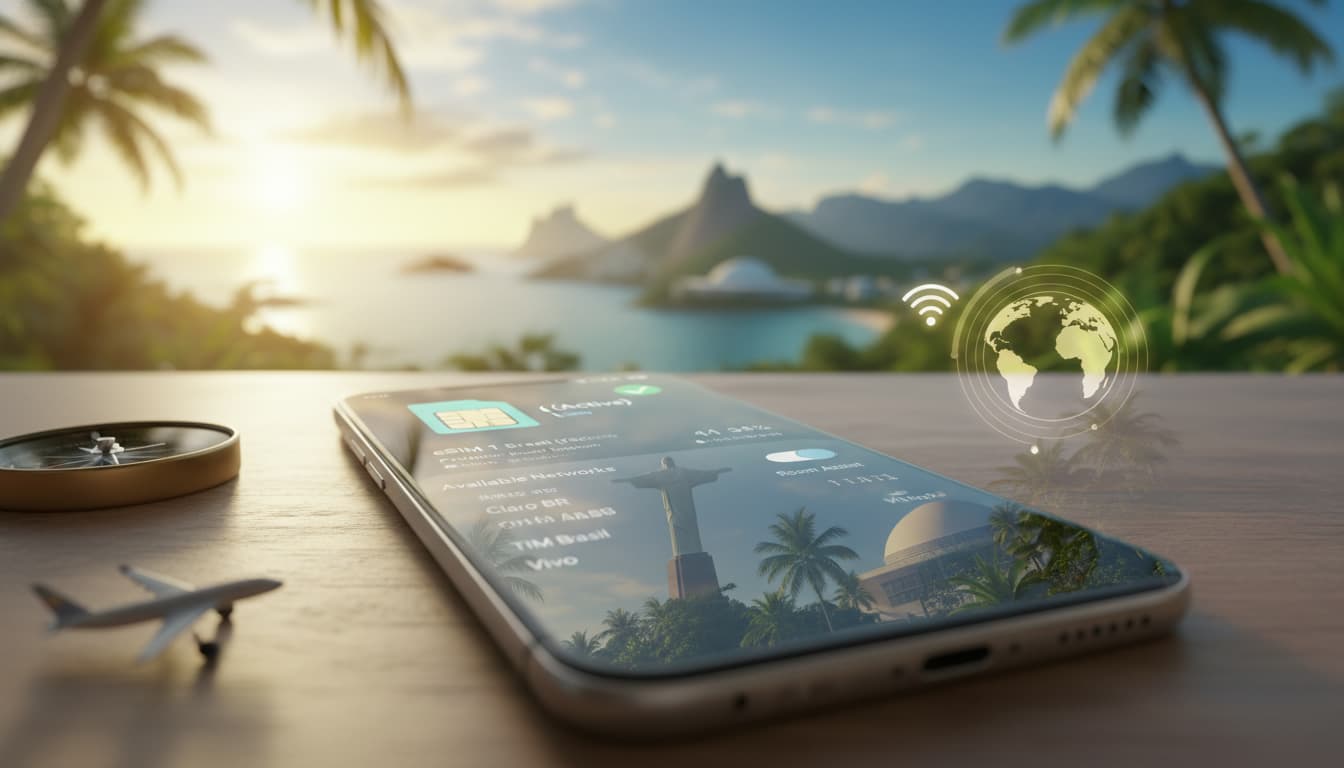

In short, what you will discover in this article: how the eSIM makes internet connection easier when traveling to Brazil, its advantages, the best purchase options, and a complete guide to activate it easily. You'll know everything to stay connected stress-free and control your costs.
1. Introduction — Why Choose an eSIM for Traveling to Brazil
1.1 Quick Overview of eSIM and the Brazilian Context
The eSIM is a virtual SIM card embedded in your smartphone that allows you to activate a mobile plan without physically changing the card. For a trip to Brazil, this technology offers a practical solution to access the internet upon arrival without buying a local SIM card. Brazil, with major cities like São Paulo or Rio de Janeiro, has extensive 4G mobile coverage, but coverage may vary by region. eSIM thus facilitates internet connection when traveling to Brazil by offering flexibility and quick activation.
2. Advantages and Limitations of eSIM vs Physical SIM
2.1 Advantages (remote activation, multi-profiles, time-saving)
The eSIM offers several major benefits for travelers:
- Instant remote activation via QR code or app, no need to go anywhere.
- Ability to manage multiple eSIM profiles simultaneously, useful for combining local and international plans.
- Time-saving at the airport or on arrival by avoiding queues.
- Reduced roaming fees thanks to plans adapted to Brazil.
- Keeping your main number thanks to Dual SIM technology.
These advantages make the eSIM ideal for a reliable and cost-effective connection during a trip to Brazil.
2.2 Limitations (device compatibility, carrier restrictions, resale impossibility)
However, the eSIM also has its limits:
- Not all smartphones are compatible with eSIM; check compatibility before departure.
- Some Brazilian local carriers limit the use of eSIMs or impose restrictions.
- The eSIM cannot be resold or easily transferred, unlike a physical SIM card.
- In case of technical issues, remote management can be more complex.
To better understand these points, check out our article on what an eSIM is and its benefits.
3. Network Coverage in Brazil (4G/5G) and Impact on Connection
3.1 Major Urban Areas (São Paulo, Rio) — Quality and Speed
In major cities like São Paulo and Rio de Janeiro, 4G coverage is generally excellent, with speeds sufficient for streaming, browsing, and using apps like Google Maps or Uber. The 5G network is beginning to roll out, further improving connection quality for equipped travelers.
3.2 Rural Areas and the Amazon — Solutions and Precautions
Conversely, in rural areas and the Amazon region, mobile coverage is more limited. It is advisable to anticipate your telecom needs by downloading maps and content offline. The eSIM can provide a connection via local operators, but quality may vary. For these areas, a plan with good 3G/4G coverage is recommended.
4. Buying an eSIM for Brazil — Options and Comparison
4.1 Buying Before Departure (International eSIMs) — Pros and Cons
Purchasing an eSIM card for Brazil before leaving is a convenient option. Several international providers like Airalo, Holafly, or Revolut offer prepaid plans with immediate activation. Advantages include:
- Easy activation upon landing.
- No language barrier or local procedures.
- Often flexible plans with various durations and data amounts.
The main drawback is sometimes a slightly higher price than local SIM cards. For a full comparison of the best offers, you can consult Les Numériques - The Best eSIM for Brazil in 2026.
4.2 Buying on Site (Brazilian Operators, Local eSIMs) — Procedures and Costs
Buying a local eSIM in Brazil usually requires visiting a carrier's store (Claro, Vivo, TIM). You must present a passport and sometimes a CPF (Brazilian taxpayer number). Prices are generally cheaper, but activation may be more complex and time-consuming. This option is recommended for longer stays.
5. How to Activate an eSIM in Brazil — Step-by-Step Guide
5.1 Prerequisites (device, carrier lock, Wi‑Fi connection)
Before activating your eSIM, make sure that:
- Your smartphone is eSIM compatible and unlocked.
- You have a Wi‑Fi connection to download the eSIM profile.
- You have backed up your data and deactivated the old SIM if needed.
5.2 iPhone Activation (Detailed Steps)
- Open Settings > Cellular > Add Cellular Plan.
- Scan the QR code provided by the eSIM provider.
- Follow on-screen instructions to name the plan and set default options.
- Enable data roaming if necessary.
5.3 Android Activation (Detailed Steps)
- Go to Settings > Network & Internet > SIM Cards > Add Mobile Plan.
- Scan the QR code or manually enter the provided details.
- Set the profile as active for mobile data.
- Check the connection and enable roaming.
5.4 Troubleshooting Common Activation Errors
- Verify device compatibility.
- Ensure the QR code is valid and not expired.
- Restart your phone if connection does not establish.
- Contact the provider’s support if problems persist.
For a complete installation guide, see our dedicated article on how to install an eSIM.
6. Plans, Prices, and Tips for Choosing (data, calls, validity)
6.1 Quick Comparison of Local Prepaid vs International eSIM Offers
| Offer Type | Average Price (€) | Data Included | Validity | Advantages |
|---|---|---|---|---|
| International eSIM | 10 - 40 | 1 GB to unlimited | 7 to 30 days | Fast activation, multi-destination |
| Brazilian local eSIM | 5 - 25 | 1 GB to 10 GB | 7 to 30 days | Lower price, better local coverage |
6.2 Tips to Save Data and Control Costs
- Connect to Wi-Fi as soon as possible.
- Disable automatic app updates.
- Use a VPN to secure your connection, especially on public networks.
- Monitor your usage via phone settings.
7. Practical Use and Connection Sharing
7.1 Hotspot Setup and Tethering Limits
The eSIM generally allows sharing the connection via hotspot. However, some plans limit tethering or impose speed restrictions. Check your plan’s conditions before relying on this feature.
7.2 Multi-Destination and Managing Multiple eSIM Profiles
Thanks to multi-profile management, you can keep your French number while using a Brazilian eSIM. To understand how Dual SIM works with eSIM, our article esim dual SIM fonctionnement details the steps to switch easily between your plans.
8. Security and Best Practices
8.1 Use a VPN, Back Up Your eSIM Profile, Protect Your Data
To secure your internet connection in Brazil, it is recommended to use a VPN. This protects your personal data and avoids risks on public networks. Also, back up your eSIM profile and enable encryption options on your smartphone.
9. Pre-Departure Checklist (compatibility, purchase, activation, backup)
- Check your smartphone’s compatibility with eSIM.
- Choose and buy the best eSIM for Brazil based on your needs.
- Download the eSIM profile or prepare the QR code.
- Back up your data and disable the old SIM if necessary.
- Install and activate the eSIM before departure to avoid complications.
10. Conclusion and Final Recommendations
The esim brazil travel connection is a modern and effective solution to stay connected hassle-free. Depending on the length and budget of your stay, favor an international eSIM for simplicity or a local eSIM for savings. For a complete guide and expert tips, explore our other articles on Skyda.co.
Don’t wait any longer to enjoy a smooth and secure connection on your adventure in Brazil!