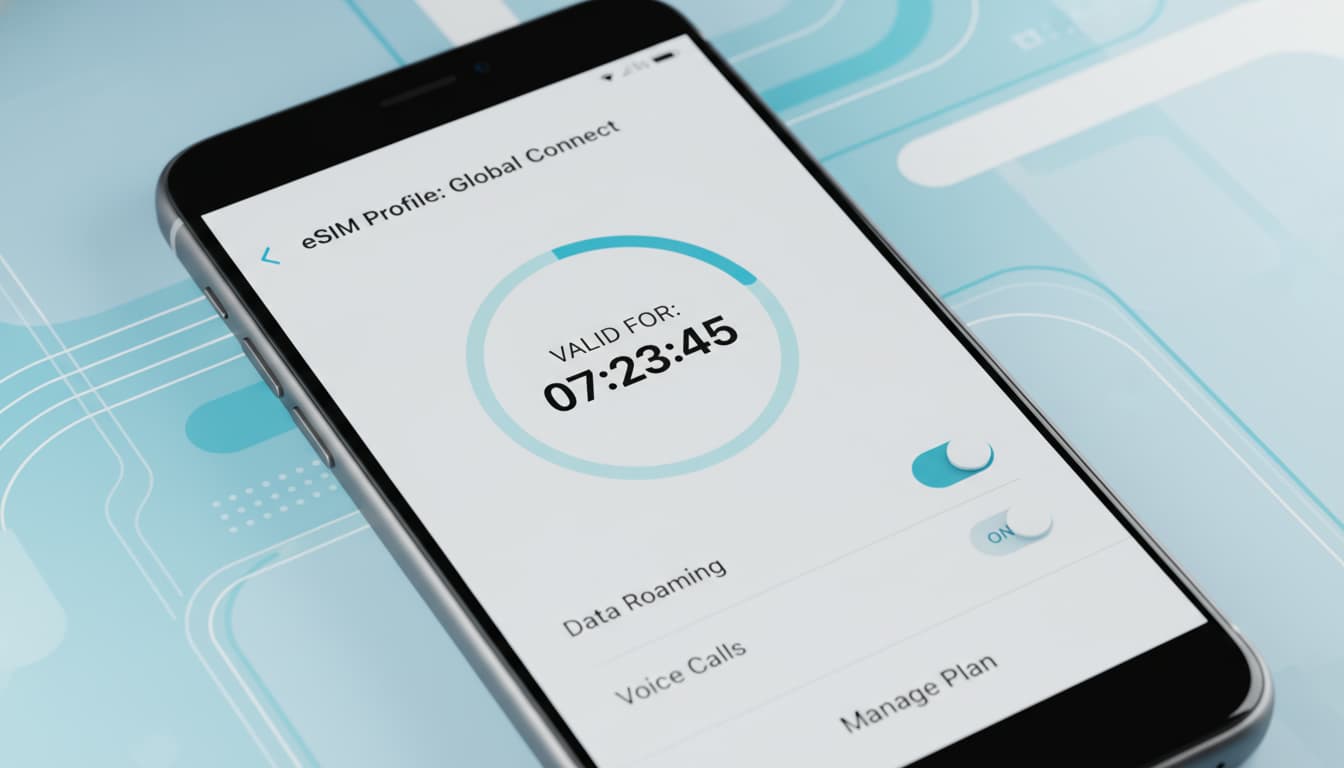

In brief, what you will learn in this article: the validity duration of an eSIM, the factors that influence it, how to check its validity, and best practices to avoid any disruption, especially while traveling. You’ll know everything to manage your eSIM efficiently and stress-free.
1. Introduction: What Does the "Validity Duration" of an eSIM Cover?
The concept of eSIM validity duration can be confusing. In fact, the eSIM chip itself doesn’t wear out and has no expiration date. What expires is the plan associated with this eSIM, meaning the data or call plan you purchased.
This distinction is essential to fully understand how it works and to avoid losing your mobile connection unexpectedly. The validity mainly depends on the type of offer and the operator’s rules.
2. What Determines the Validity Duration of an eSIM?
2.1 Type of Offer: Prepaid vs Subscription
The validity of an eSIM plan varies depending on whether you chose a prepaid offer or a subscription.
- Prepaid offers often have a short validity, for example 7, 30, or 365 days from the activation date.
- Subscriptions can offer a longer validity, automatically renewable as long as you pay the plan.
2.2 Operator Policy (e.g., Activation and Expiry Conditions)
Each operator sets its own rules. Most start the validity period from the first activation, that is, the first connection to the network, not the purchase date.
Some eSIMs require activation within a maximum time after purchase, beyond which the card may become unusable. It’s therefore crucial to read the conditions before buying.
2.3 Technical and Regulatory Constraints
Technically, the eSIM profile validity is unlimited, but regulatory constraints or commercial policies can limit the usage period of the plan.
For example, some plans automatically expire after a prolonged inactivity period to free up network resources.
3. How to Check Your eSIM Expiry Date/Validity
3.1 Check on iPhone (Settings) — Recommended Steps and Screenshots
On iPhone, you can check your eSIM plan validity in:
- Settings > Cellular Data > select your eSIM.
- Look for information on the activation period or plan expiration date.
3.2 Check on Android — Recommended Steps and Screenshots
On Android, the procedure varies by brand:
- Open Settings > Network & Internet > SIM cards.
- Select your eSIM to see plan details, including validity.
3.3 Check via Operator App or Website / QR Code
Many operators provide an app or an online customer portal where you can check the plan validity, remaining data, and expiration date.
Keep the activation QR code and purchase proofs safe for any future reactivation or reinstallation.
4. What Happens When an eSIM Expires?
4.1 Impact on Number, Data, and Account Access
When the plan expires, you lose access to the associated data and services. The number may be deactivated or retained according to the operator’s conditions.
Unused data is generally lost without recovery options, highlighting the importance of planning your usage.
4.2 Options After Expiry: Reactivation, Buying a New eSIM, Portability
After expiry, you can:
- Reactivate the plan if the operator allows it.
- Purchase a new eSIM with a new plan.
- Transfer your number via portability if you switch operators.
5. Typical Durations and Comparison by Offer Type / Operator (Up-to-Date Examples)
Here is an overview of common durations depending on offer types:
- Short plans (7 to 30 days): often for travel or occasional use.
- Annual plans (365 days): for long-term use or subscriptions.
- Hybrid offers: combine limited duration and data volume.
Each operator proposes different models, so it’s advisable to check specific conditions before purchase.
6. Tips and Best Practices
6.1 Before Traveling: Choice and Preparation
- Choose an eSIM with a usage duration suited to your stay.
- Activate the card shortly before departure to maximize validity.
6.2 Save Activation (QR, Purchase Proofs) and How to Archive an eSIM
- Keep the activation QR code and purchase confirmations in a safe place.
- Do not delete the eSIM from your phone if you plan to reuse it.
6.3 Avoid Losing Access: Security Advice and Multi-Device Management
- Use a secure manager to store your codes and profiles.
- If using multiple devices, ensure the eSIM is properly configured on each.
7. Practical Cases and Scenario Studies (Tourist, Expat, IoT Usage)
- Tourist: prioritize short plans, check validity before departure.
- Expat: opt for long-term subscriptions with automatic renewal.
- IoT Use: validity often depends on specific data and connectivity needs.
8. Conclusion and Actionable Recommendations
The validity duration of an eSIM mainly depends on the chosen plan and the operator’s rules. To avoid any disruption, activate your eSIM at the right time, keep your activation codes, and regularly check validity via your phone or operator app.
For more details, discover how to install an eSIM and understand what an eSIM is on Skyda.co.
Finally, for a worry-free trip, consider choosing an eSIM with an appropriate validity and plan your usage carefully to stay connected without surprises.
For detailed information on eSIM validity, you can refer to the full article by Nomad eSIM which clearly explains the difference between the chip and the associated plan.
Recommended affiliate links:
- Discover the best prepaid eSIM offers for travelers on Nomad eSIM.
- For enhanced security, explore VPN apps compatible with eSIM on ExpressVPN.