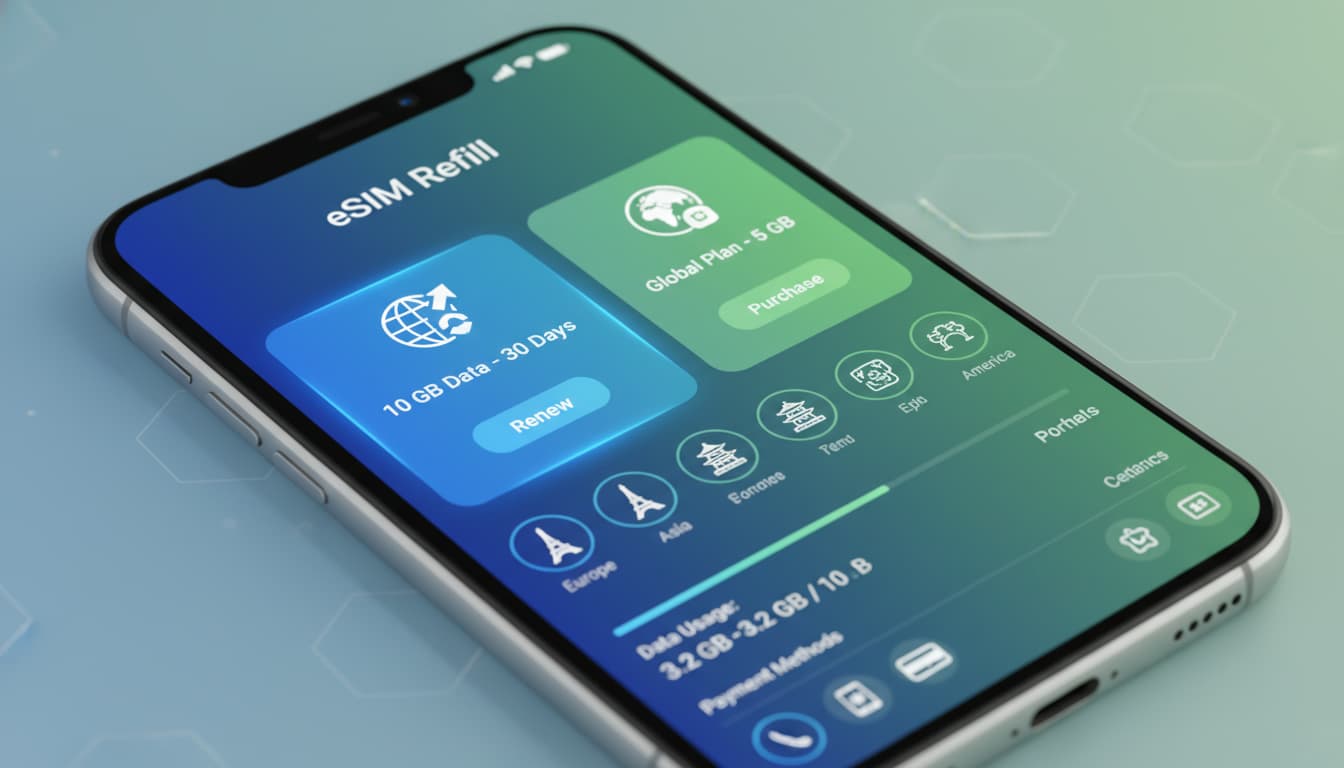

In short, what you will learn in this article: how to reload eSIM data simply and quickly, whether through an app, website, or QR code. You’ll also learn how to manage your eSIM plan, avoid interruptions, and optimize your mobile connection, even while on the move.
1. Why Reload eSIM Data and Use Cases
The eSIM card allows internet access without a physical SIM card. Reloading the eSIM data plan is essential to stay connected, especially when traveling or on a business trip. Without reloading, the mobile eSIM connection is interrupted, which can complicate app usage and communication. Reloading an eSIM ensures continuous access to mobile eSIM data, avoiding any disconnection.
Common use cases include:
- Extending a plan before it expires
- Adding credit for temporary heavy use
- Switching to a more suitable eSIM data plan
- Managing multiple eSIM profiles on the same device
To better understand the technology, discover what is an eSIM.
2. What Is an eSIM and How Data Storage Works
The eSIM is a chip embedded in your phone that stores a digital profile replacing the physical SIM card. This profile contains the information needed to connect to the mobile network, including the eSIM data plan. Reloading does not change the chip itself but updates the associated eSIM data plan.
Managing eSIM data is thus digital, making it easier to change operators or plans without physical intervention. For more details, check out our guide on how to install an eSIM.
3. Prerequisites Before Reloading: Compatibility, EID/IMEI, Internet Connection, and Payment Methods
Before reloading your eSIM, check the following:
- Device compatibility: make sure your smartphone supports eSIM (iPhone XR/XS and newer, certain Android models like Samsung Galaxy S20+).
- EID/IMEI: identifiers necessary to link the plan to your eSIM.
- Active internet connection: essential to access the app or reload website.
- Payment methods: credit card, PayPal, or other options depending on the provider.
These prerequisites ensure a smooth eSIM reload experience.
4. Methods to Reload an eSIM (Overview)
There are several ways to reload esim data depending on the operator or provider:
- Via the operator’s official app
- Via a QR code provided by the eSIM seller
- Via the provider’s website with online payment
- Via USSD / operator code (if available)
4.1 Via the Operator’s Official App
Most operators offer a dedicated app where you can manage your eSIM data plan, check usage, and perform instant reloads. For example, aloSIM lets you select the plan to reload, pay, and activate directly without reinstalling the eSIM.
4.2 Via a QR Code Provided by the eSIM Seller
Some providers send a QR code to scan to add or renew an eSIM plan. This method is simple and fast, especially for tourist or regional plans.
4.3 Via the Provider’s Website and Online Payment
Reloading can also be done on the official website, with secure payment. After confirmation, activation is automatic, avoiding any technical steps.
4.4 Via USSD / Operator Code (If Available)
Less common, some operators allow reloading through a USSD code to dial, similar to reloading classic physical SIM cards.
5. Step-by-Step Guide: Reloading an eSIM on iPhone (iOS)
5.1 Detailed Steps (Settings, Plan Selection, Activation)
- Open Settings > Cellular Data > Cellular Plans.
- Select the eSIM plan to reload.
- Access your operator’s app or website via Safari.
- Choose a suitable eSIM data plan.
- Complete secure payment.
- Activate the plan using the activation button (often blue).
- Verify that the mobile eSIM connection is active.
This simple process avoids reinstalling the eSIM and ensures a fast renewal.
6. Step-by-Step Guide: Reloading an eSIM on Android
6.1 Specifics by Brand (Samsung, Google Pixel, Others) and Android Versions
On Android, management varies by brand and version:
- Samsung: Settings > Connections > SIM card manager > Select eSIM > Reload via app or website.
- Google Pixel: Settings > Network & Internet > SIM cards > eSIM plan > Reload via dedicated app.
- Other brands: check the network menu or use the operator app.
The principle remains the same: choose the plan, pay and activate. For more details, our article on how dual SIM with eSIM works may be useful.
7. Reloading an eSIM Abroad: Roaming, Tourist eSIMs, and Limitations
When traveling, reloading the eSIM is often more convenient than a physical SIM card. Tourist eSIM plans allow adding mobile eSIM data without changing profiles. However, be mindful of geographic restrictions and roaming compatibility.
To avoid interruptions, check:
- The network coverage of the eSIM data plan
- The validity of the eSIM data plan for roaming
- The ability to reload from abroad via app or website
This flexibility is ideal for nomadic travelers, as highlighted by Roamless.
8. Comparison: Reload via Operator vs Third-Party eSIM Providers (Price, Flexibility, Support)
| Criteria | Official Operator | Third-Party eSIM Provider |
|---|---|---|
| Price | Usually standard, sometimes high | Often competitive, frequent promos |
| Flexibility | Fixed plans, automatic renewal possible | Varied plans, flexible reload |
| Support | Dedicated customer service | Online support, sometimes limited |
| Activation | Immediate, integrated | Fast activation, sometimes QR code to scan |
For daily use, the operator’s eSIM reload service is reliable. For travel, third-party providers often offer more choices.
9. Common Issues and Troubleshooting
9.1 eSIM Not Recognized or Profile Not Found: Checks and Solutions
- Ensure the eSIM is activated in settings.
- Restart your phone.
- Make sure the eSIM profile hasn’t been accidentally deleted.
9.2 Payment or Activation Failure: Steps and Support Contact
- Check the validity of your payment method.
- Contact eSIM data support of your provider.
- Try another payment method if possible.
9.3 Credit/Data Not Added: Proof of Purchase and Claims
- Always keep your purchase confirmation.
- Send it to support with problem details.
- Wait a few minutes; activation can be delayed.
10. Security and Privacy During Reload (QR Codes, Payment Data, Protections)
Reloading often involves transmitting sensitive data. To ensure security:
- Use only official apps or HTTPS websites.
- Never share your eSIM reload code with third parties.
- Prefer secure payment (3D Secure).
- Beware of unverified QR codes.
These precautions protect your mobile eSIM connection and personal information.
11. Practical Tips and Best Practices (Multi-eSIM Management, Usage Tracking)
- Regularly monitor usage through the app or settings.
- Activate threshold alerts to avoid cutoffs.
- Manage multiple eSIMs according to your needs (work, travel).
- Renew or reload your eSIM data plan before expiration.
For advanced management, consult our guide on eSIM data management.
12. Conclusion
Reloading eSIM data is simple and fast thanks to multiple available options: app, website, QR code, or USSD. By following the steps suited to your device and respecting security best practices, you ensure a continuous and reliable mobile eSIM connection. To stay informed and master your eSIM fully, explore our other guides on Skyda.co.
For easy and secure reloading, we recommend using your operator’s official app or recognized providers like aloSIM, which offer an intuitive interface and reliable support.
Also, discover VPN solutions compatible with eSIM to enhance your privacy during mobile connections.